
Sprunke Template (Final Update)

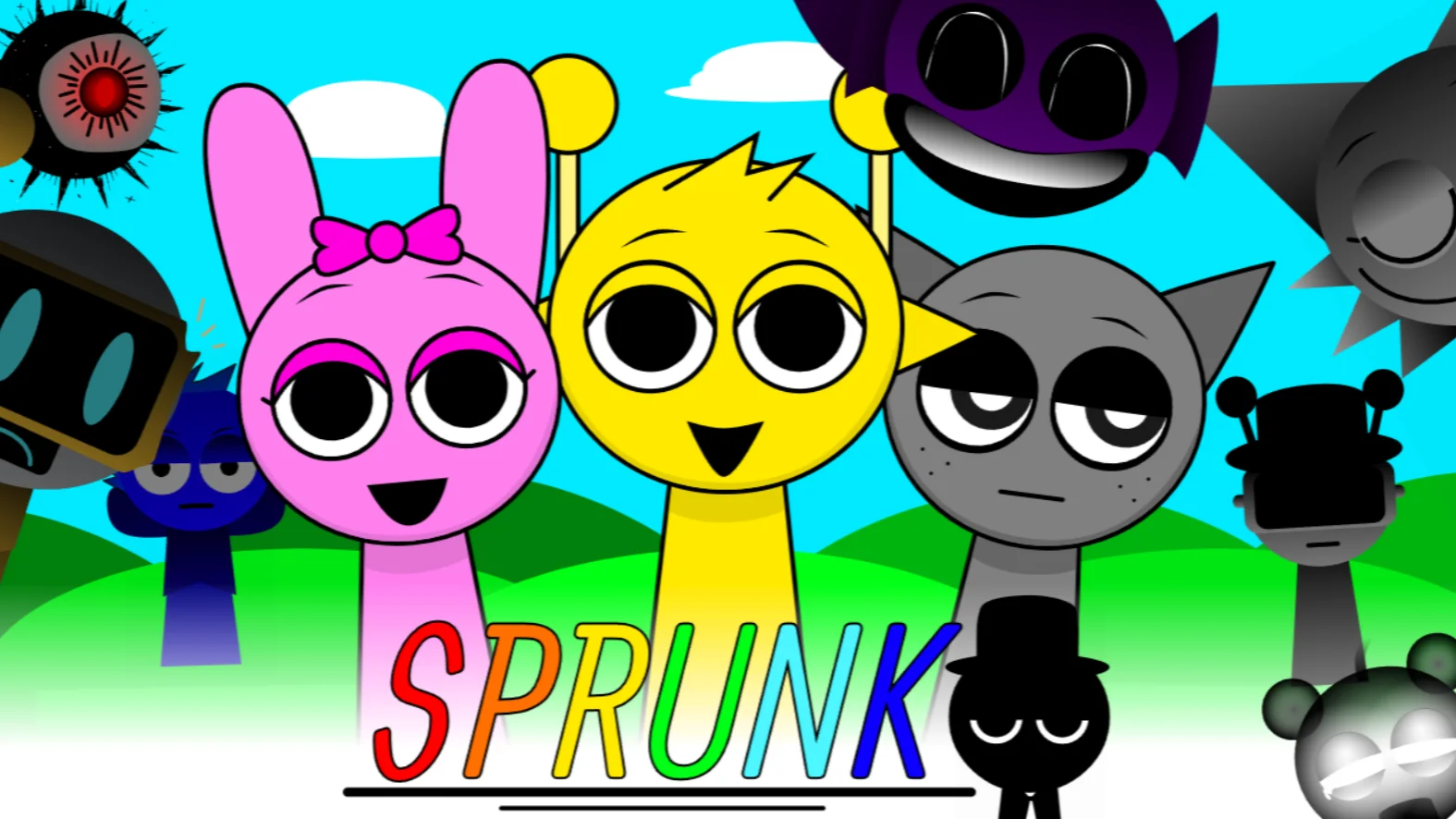


![[FINAL UPDATE] Sprunke Phase 8 Conbienjoyer's Take](https://data.sprunke.io/sprunke-phase-8-conbienjoyers-take-final-update/cover.avif)


![Sprunke Yandere Moch [UPD 17.0]](https://data.sprunke.io/sprunke-yandere-moch-upd-17/cover.avif)
![Sprunke Garnold's Joy Phase 3 [OFFICIAL]](https://data.sprunke.io/sprunke-garnolds-joy-phase-3-official/cover.avif)


![[POLO 6 HORROR UPDATE] Sprunke PLUS](https://data.sprunke.io/polo-6-horror-update-sprunke-plus/cover.avif)


![[MR SUN UPDATE] Sprunke PLUS](https://data.sprunke.io/mr-sun-update-sprunke-plus/cover.avif)






![Sprunke Reversed Phase 7 [OFFICIAL]](https://data.sprunke.io/sprunke-reversed-phase-7-official/cover.avif)
![Sprunke Reversed Phase 6 [OFFICIAL]](https://data.sprunke.io/sprunke-reversed-phase-6-official/cover.avif)



What is Sprunke Template (Final Update)?
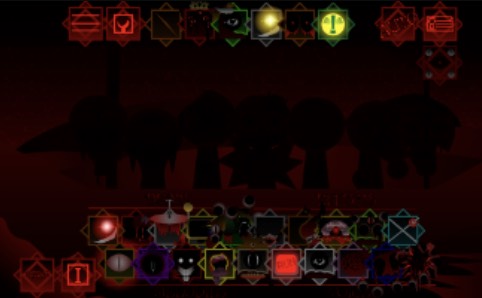
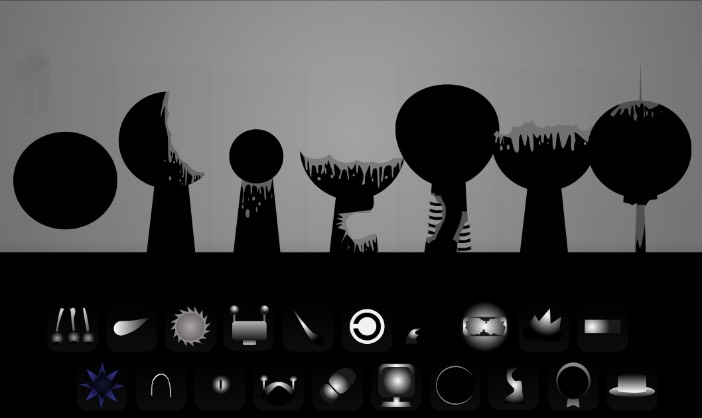
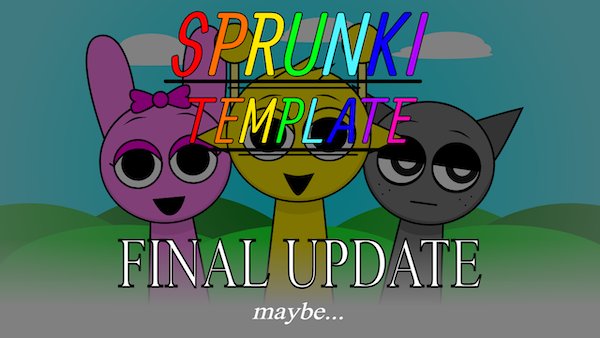
Sprunke Template (Final Update) refers to the ultimate evolution of the Sprunki-style online music creation game experience. This final update acts as a comprehensive template that brings together redesigned sound elements, polished character animations, and expanded mixing tools, allowing players to create unique musical compositions. Sprunke Template (Final Update) builds on the original Incredibox-like mechanics, giving creators more flexibility and aesthetic flair in their beat-making sessions.
How to Play Sprunke Template (Final Update)?
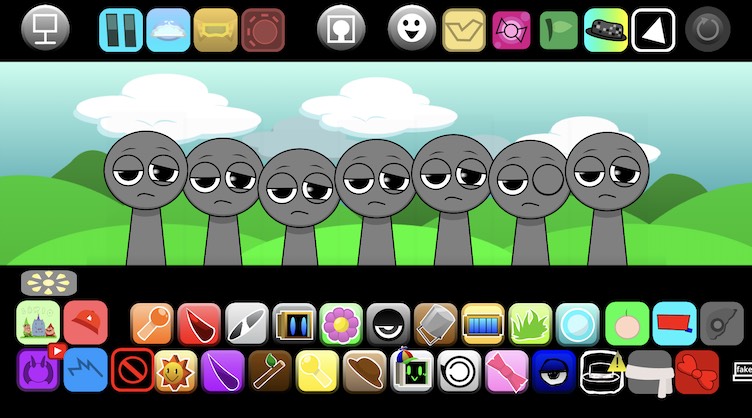
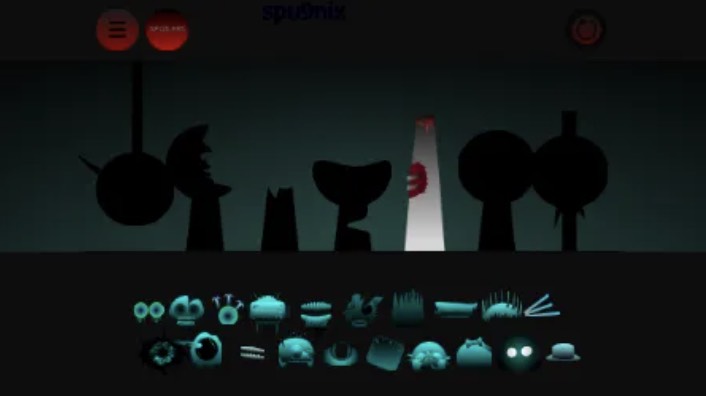
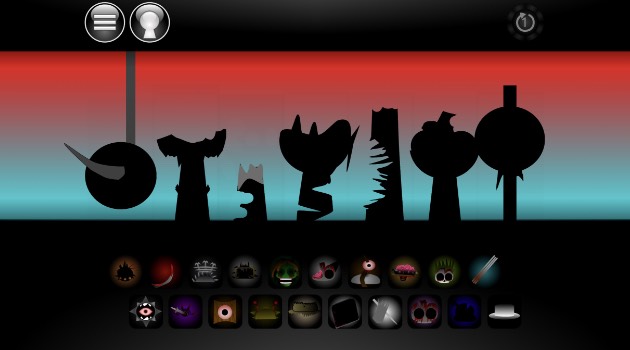
Playing Sprunke Template (Final Update) is easy and intuitive. Load the game in your browser, then drag and drop characters or sound icons into the music grid. Each character or icon adds distinct beats, effects, vocals, or melodies to your mix. As you layer multiple elements, you can hear how they interact and build a richer soundscape. Experiment with tempo, sequence, and combinations to unlock new hidden effects and surprises.
Game Features of Sprunke Template (Final Update)
- Enhanced Sound Library: Access a broader range of beats, melodies, and effect tracks with updated audio quality.
- Polished Visuals: Characters and icons display smoother animations and brighter visuals throughout your session.
- Expanded Template UI: A refined interface gives players easy control over sound layers and mix adjustments.
- Creative Freedom: Mix and match elements with no strict rules — just creative expression.
Why Play Sprunke Template (Final Update)?
Sprunke Template (Final Update) invites both casual players and music enthusiasts to explore freeform rhythm creation. With its template-based design, the update encourages players to remix existing beats or experiment with new sound combinations. The final update also celebrates community contributions, letting players share their creations and gain inspiration from others.
Character Design in Sprunke Template (Final Update)
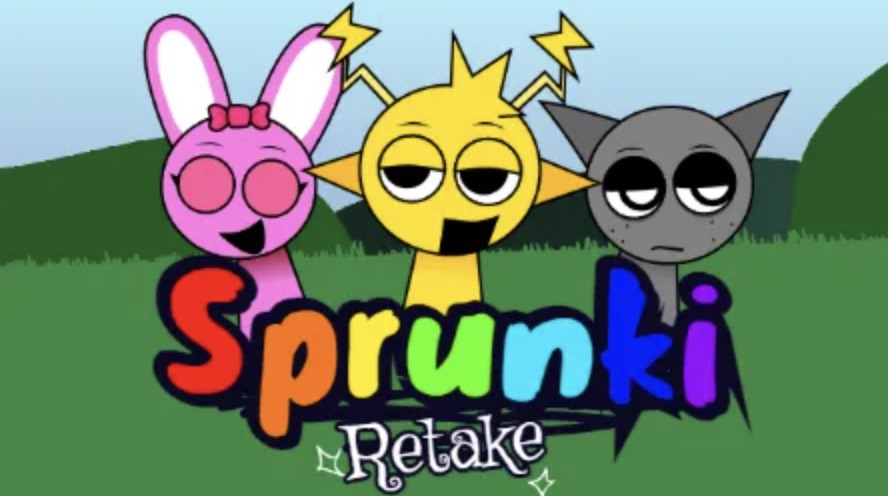
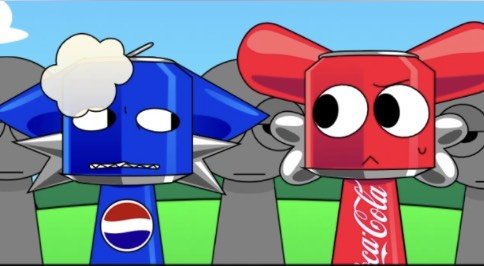
Characters in the Sprunke Template (Final Update) feature dynamic animations and distinct sound profiles that enhance their role in compositions. Each character contributes unique audio cues — from deep bass beats to melodic vocal lines — making every mix feel personalized and expressive.
Tips and Strategies for Sprunke Template (Final Update)
- Start with Core Elements: Begin with basic beats and vocals before adding effects to build solid foundations.
- Experiment Boldly: Try unusual combinations to discover creative transitions or harmonic surprises.
- Save Your Mixes: Record your best sessions and share them with friends or community forums for feedback.
Community Engagement of Sprunke Template (Final Update)
The Sprunki community thrives on sharing beats, templates, and creative techniques. Whether you’re using the final update template or crafting new mods, joining fan groups and music forums can expand your creative network and spark new ideas.
Sprunke Template (Final Update) FAQ
Q: Is Sprunke Template (Final Update) free?
A: Yes, Sprunke Template (Final Update) is available free online in most browsers.
Q: Do I need musical skills to enjoy it?
A: No — any player can start creating beats with easy drag-and-drop mechanics.