
Sprunke Definitive Phase 7 V3 (and new sounds!!!)



![[FINAL UPDATE] Sprunke Phase 8 Conbienjoyer's Take](https://data.sprunke.io/sprunke-phase-8-conbienjoyers-take-final-update/cover.avif)


![Sprunke Yandere Moch [UPD 17.0]](https://data.sprunke.io/sprunke-yandere-moch-upd-17/cover.avif)
![Sprunke Garnold's Joy Phase 3 [OFFICIAL]](https://data.sprunke.io/sprunke-garnolds-joy-phase-3-official/cover.avif)


![[POLO 6 HORROR UPDATE] Sprunke PLUS](https://data.sprunke.io/polo-6-horror-update-sprunke-plus/cover.avif)


![[MR SUN UPDATE] Sprunke PLUS](https://data.sprunke.io/mr-sun-update-sprunke-plus/cover.avif)




![Sprunke Reversed Phase 4 [AFTERMATH]](https://data.sprunke.io/sprunke-reversed-phase-4-aftermath/cover.webp)





![Sprunke Reversed Phase 7 [OFFICIAL]](https://data.sprunke.io/sprunke-reversed-phase-7-official/cover.avif)

![Sprunke Reversed Phase 6 [OFFICIAL]](https://data.sprunke.io/sprunke-reversed-phase-6-official/cover.avif)
What is Sprunke Definitive Phase 7 V3 (and new sounds)?
Sprunke Definitive Phase 7 V3 (and new sounds) is a community-built iteration of the popular Sprunki/Sprunke music-creation series — a fan mod inspired by Incredibox where players drag characters onto a stage to layer beats, melodies, effects, and vocals into original tracks. The "Definitive" label signals a polished remake of the original Phase 7 mod, while "V3" marks the third major version update, and "(and new sounds)" highlights the headline improvement: freshly recorded or remixed audio loops that replace or enhance earlier sound assets.
Built on the drag-and-drop foundation shared across the Sprunki universe, Sprunke Definitive Phase 7 V3 (and new sounds) sits within the broader Definitive Phase lineage — a fan series that began with creators like @Catt on Cocrea and Scratch. Phase 7 carries a darker, horror-leaning atmosphere compared to earlier phases, and this V3 release refines that identity with sharper sprites, smoother animations, and a sonic palette that feels studio-grade rather than prototype-quality.
Whether you discovered Sprunke Definitive Phase 7 V3 (and new sounds) through YouTube mixes, TikTok edits, or a Sprunki mod directory, the core promise is the same: a free, browser-playable music sandbox where every character is both a visual performer and a sound source, and every session can produce a track worth sharing.
How to Play Sprunke Definitive Phase 7 V3 (and new sounds)?
Playing Sprunke Definitive Phase 7 V3 (and new sounds) follows the intuitive Incredibox-style workflow that millions of Sprunki fans already know, with a few V3-specific refinements worth noting.
Step 1 — Launch in your browser. Open the mod on Cocrea, sprunki.cool, or another hosting site. No download or account is required for most versions.
Step 2 — Explore the character roster. Each icon represents a sound category: beats (drums and percussion), effects (FX and textures), melodies (synth and tonal loops), and vocals. In Sprunke Definitive Phase 7 V3 (and new sounds), listen to each character individually before combining them — the new sounds in V3 often differ noticeably from V1 and V2.
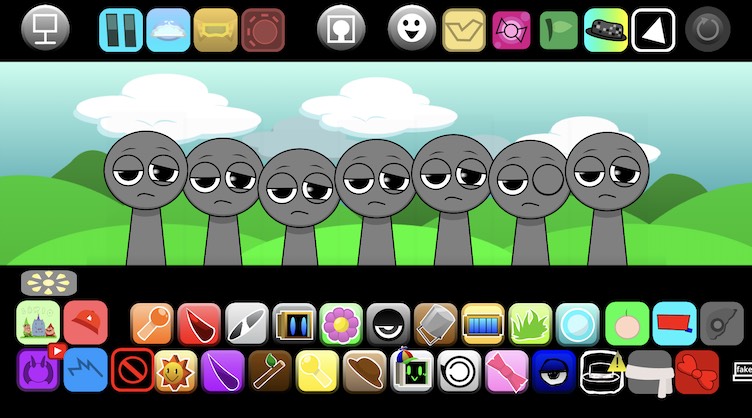
Step 3 — Drag and drop onto the stage. Place up to seven characters on the available slots (polos). Sounds layer in real time, so you hear your composition build as you add each performer.
Step 4 — Solo, mute, and swap. Click characters to mute or isolate them. Remove a character by dragging them off-stage or using the remove control. This is essential for fine-tuning mixes built with the expanded V3 audio library.
Step 5 — Hunt for hidden combinations. Sprunke Definitive Phase 7 V3 (and new sounds) retains the easter-egg tradition of the Definitive series. Certain character arrangements unlock bonus animations, lore scenes, or exclusive sound interactions — experiment freely to discover them.
Step 6 — Record and share. Use screen recording or built-in share tools (depending on the host platform) to capture your mix and post it to Discord, YouTube, or TikTok.
Game Features of Sprunke Definitive Phase 7 V3 (and new sounds)
Sprunke Definitive Phase 7 V3 (and new sounds) packs several standout features that distinguish it from earlier Phase 7 builds and competing community remakes.
- V3 sound overhaul: The centerpiece of this release. New drum patterns, remixed melodic loops, cleaner vocal samples, and enhanced FX textures give compositions greater depth and clarity than previous versions.
- Polished HD visuals: Character sprites are redrawn with fluid animations that react to the music — twitching, glowing, or distorting in sync with their assigned loops.
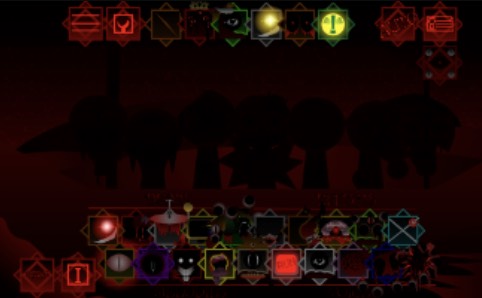
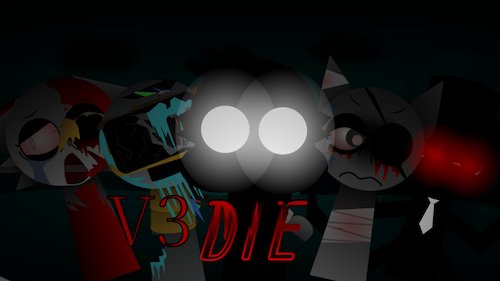
- Horror-leaning atmosphere: Phase 7's signature dark aesthetic returns with deeper backgrounds, edge lighting, and unsettling character expressions that match the eerie sound design.
- Sophisticated audio layering: Glitch textures, reverb tails, and low-frequency rumble create a studio-like mixing environment even within a browser game.
- Easter eggs and lore unlocks: Hidden scenes — including community favorites like the "Crimson Eclipse" vignette — reward players who hit specific sound combinations.
- Beginner-friendly controls: Despite its advanced audio, Sprunke Definitive Phase 7 V3 (and new sounds) requires zero music theory. If you can drag an icon, you can make a track.
- Instant browser access: Play for free on desktop, tablet, or mobile without installing anything.
Why Play Sprunke Definitive Phase 7 V3 (and new sounds)?
If you have already played an older Phase 7 mod or a different Definitive Phase entry, Sprunke Definitive Phase 7 V3 (and new sounds) gives you a compelling reason to return: the audio simply sounds better. The V3 update addresses one of the most common community requests — fresher, punchier, more balanced sound loops — without breaking the familiar drag-and-drop workflow.
For newcomers, Sprunke Definitive Phase 7 V3 (and new sounds) is one of the most accessible entry points into the Sprunki mod ecosystem. The Definitive series is widely regarded as a "remaster" line, meaning visuals and mechanics are cleaner than raw Scratch uploads. Phase 7 specifically offers a moodier, more cinematic vibe than cheerful early phases, making it ideal for creators who want atmospheric or horror-themed mixes.
Music hobbyists benefit too. Layering seven simultaneous loops teaches rhythm, balance, and arrangement intuition — all without a DAW or instrument. And because Sprunke Definitive Phase 7 V3 (and new sounds) runs in the browser, you can sketch a beat idea in minutes during a break and refine it later.
Finally, the active Sprunki community ensures your creations have an audience. Share a V3 mix online and you will quickly find other players comparing sound combinations, hunting easter eggs, and remixing each other's work.
Character Design of Sprunke Definitive Phase 7 V3 (and new sounds)
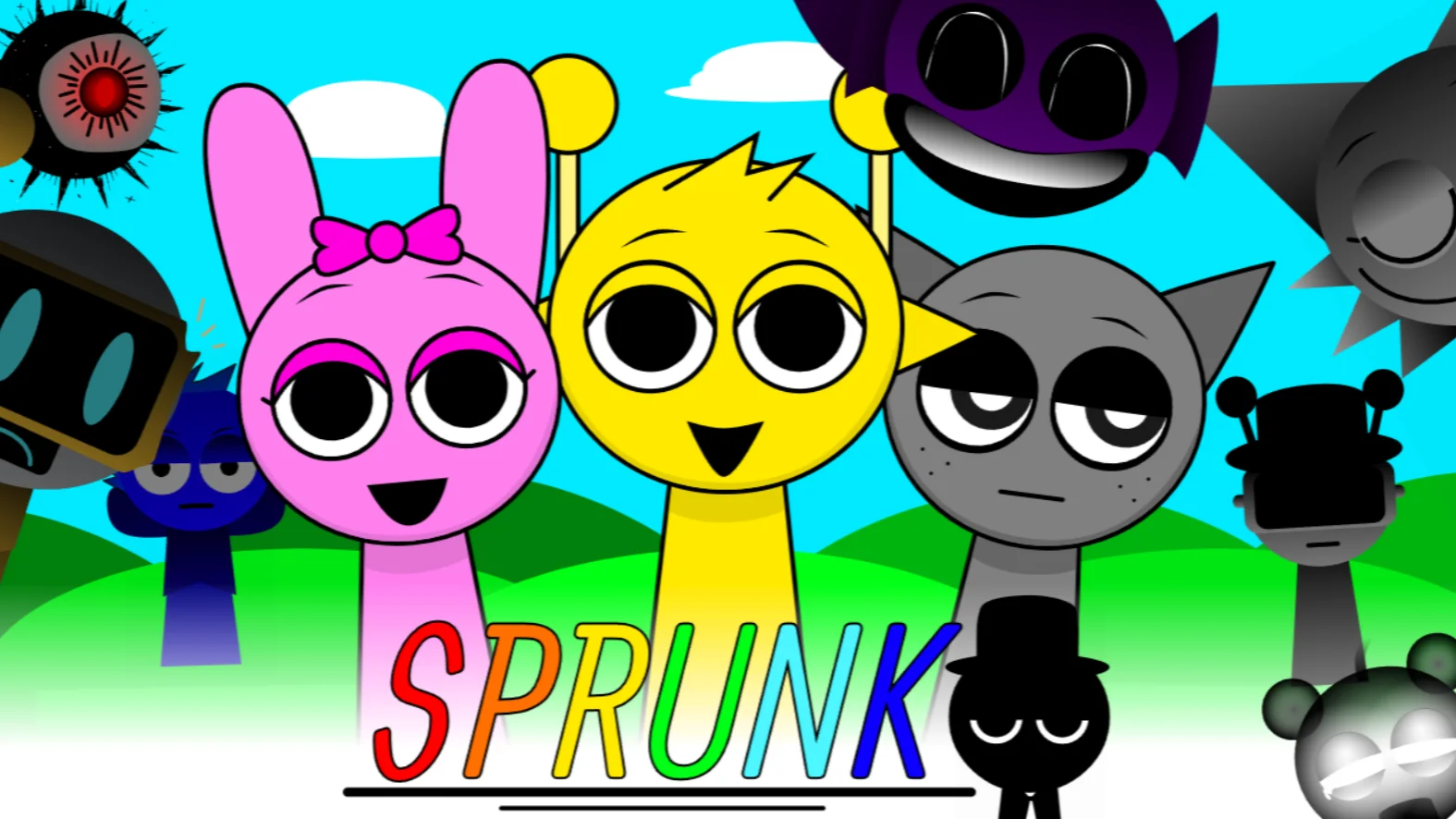
Character design is where Sprunke Definitive Phase 7 V3 (and new sounds) merges visual storytelling with functional sound assignment. Each performer is redesigned for the Definitive aesthetic — sharper outlines, smoother animation frames, and horror-influenced details like hollow eyes, dark clothing, and jerky idle movements.
The core roster draws from familiar Sprunki faces adapted to Phase 7's darker tone:
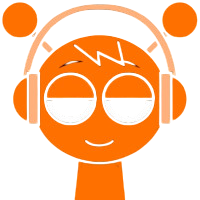
- Oren (Orange): Beat category. Delivers punchy kick-and-snare patterns; his V3 loop hits harder with tighter low-end.
- Clukr (Silver): Beat/percussion. Metallic hi-hat and clap textures that cut through dense mixes.
- Raddy (Red): Beat. Aggressive rhythm loops suited for driving, high-energy tracks.
- Vineria (Green): Beat/bass. Adds groove and sub-bass weight — especially impactful with the new sounds update.
- Fun Bot: Effects. Robotic FX and glitch stabs that pair well with Phase 7's experimental palette.
- Beats: A dedicated rhythm character whose V3 redesign includes updated animation sync.
Bonus and hidden characters — including Sekurai, exclusive to the Definitive Phase 7 lineage — appear through special combinations or easter-egg triggers. Their visual designs often push further into surreal or horror territory, signaling that the player has unlocked something rare.
Every character's appearance reflects the nature of their sound: deep bass performers loom large with dark palettes, while airy melody characters flicker with lighter, ghostly glow effects. This visual-audio pairing makes Sprunke Definitive Phase 7 V3 (and new sounds) as much a watchable experience as a playable one.
Tips and Strategies for Sprunke Definitive Phase 7 V3 (and new sounds)
Maximize your sessions in Sprunke Definitive Phase 7 V3 (and new sounds) with these practical strategies:
- Start with one beat, then build. Place a single drum character first and listen to the new V3 rhythm in isolation. Add melody second, FX third, and vocals last. This prevents muddy layering.
- A/B against older versions. If you played V1 or V2, mute all characters and swap one at a time to hear exactly what the new sounds changed. This trains your ear for V3-specific combinations.
- Use mute to diagnose clashes. When two loops fight for frequency space, mute one character to identify the conflict, then swap it for a complementary sound.
- Leave one slot empty. Not every polo needs filling. A sparse mix with five well-chosen V3 loops often sounds cleaner than seven competing layers.
- Trigger easter eggs systematically. Pick two characters, add a third, note the result, then swap the third. Document combinations that unlock animations — the community shares these discoveries on Discord and Reddit.
- Match tempo feel, not just category. Phase 7 loops vary in energy. Pair a slow, rumbling bass with a mid-tempo melody rather than stacking all fast loops.
- Record early drafts. V3's improved audio makes even rough sketches sound good. Capture ideas quickly before you forget a combination.
Community Engagement of Sprunke Definitive Phase 7 V3 (and new sounds)
Sprunke Definitive Phase 7 V3 (and new sounds) thrives because of its community, not despite being a fan project. The Sprunki mod scene spans Cocrea, Scratch, sprunki.cool, sprunkimods.app, Discord servers, YouTube, and TikTok — and Phase 7 Definitive content consistently ranks among the most shared.
Community creators build on each other's work. @Catt's original Definitive Phase 7 on Cocrea inspired remakes by @Notdurplealt ("My Take"), @KOSTIKGOLD ("Gabs' Take"), and V3 iterations credited to creators like @connieniceday and @Vlachos — each adding their own sound direction while honoring the Phase 7 foundation laid by @KadenKhuu.
Players engage by:
- Posting mixes on YouTube and TikTok with tags like #Sprunki, #Phase7, and #Definitive.
- Sharing easter-egg discoveries in Discord channels dedicated to Sprunki lore hunting.
- Creating fan art of Phase 7 characters in their Definitive redesigns.
- Comparing V3 sound quality in comment threads — a recurring topic since the new sounds update dropped.
- Building derivative mods that remix the V3 audio further, continuing the fan-creation cycle.
If you finish a track in Sprunke Definitive Phase 7 V3 (and new sounds), share it. The community rewards experimentation, and your mix might inspire the next creator's V4 idea.
Sprunke Definitive Phase 7 V3 (and new sounds) FAQ
Q: Is Sprunke Definitive Phase 7 V3 (and new sounds) free to play? A: Yes. It runs in your web browser at no cost on platforms like Cocrea and sprunki.cool.
Q: What is new in V3 compared to earlier versions? A: V3 primarily updates the sound library with new and remixed audio loops, plus visual and interface refinements based on community feedback.
Q: Do I need to download anything? A: No. Sprunke Definitive Phase 7 V3 (and new sounds) is a browser-based game requiring no installation.
Q: Is this an official Incredibox or Sprunki release? A: No. It is a fan-made mod created by community developers, not affiliated with the original Incredibox team or NyankoBfLol's official Sprunki project.
Q: Can I play on mobile? A: Most browser hosts support mobile play, though a stable connection is recommended to avoid audio desync during heavy mixing.
Q: How many characters can I use at once? A: Up to seven characters can occupy the stage slots simultaneously, each contributing a unique sound layer.
Q: Are there horror elements in this mod? A: Yes. Phase 7 Definitive mods feature dark visuals, eerie sound design, and unsettling character animations consistent with the Phase 7 horror aesthetic.